Leecomm

Loading...

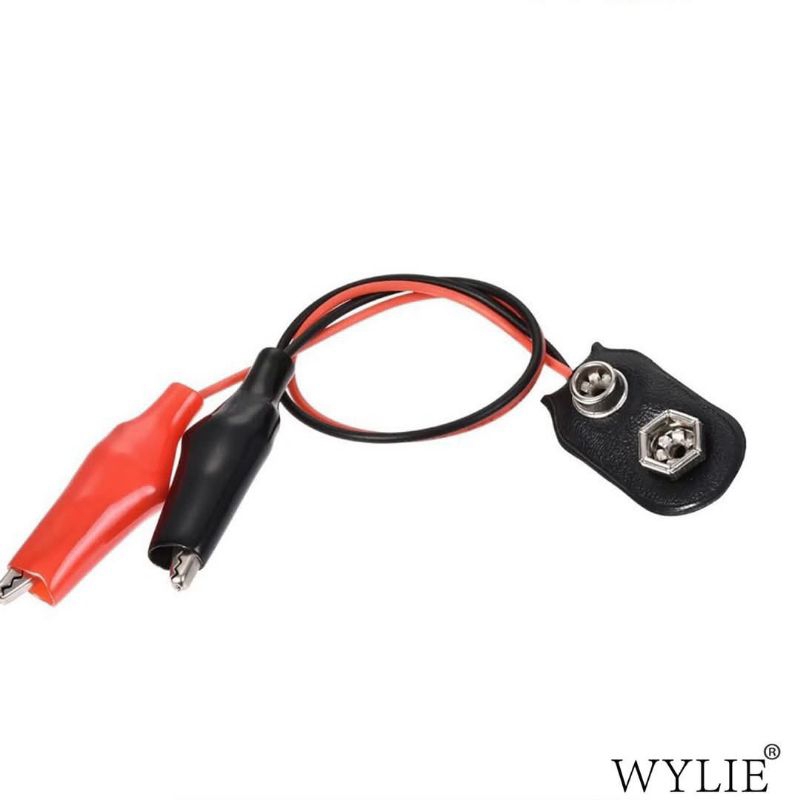
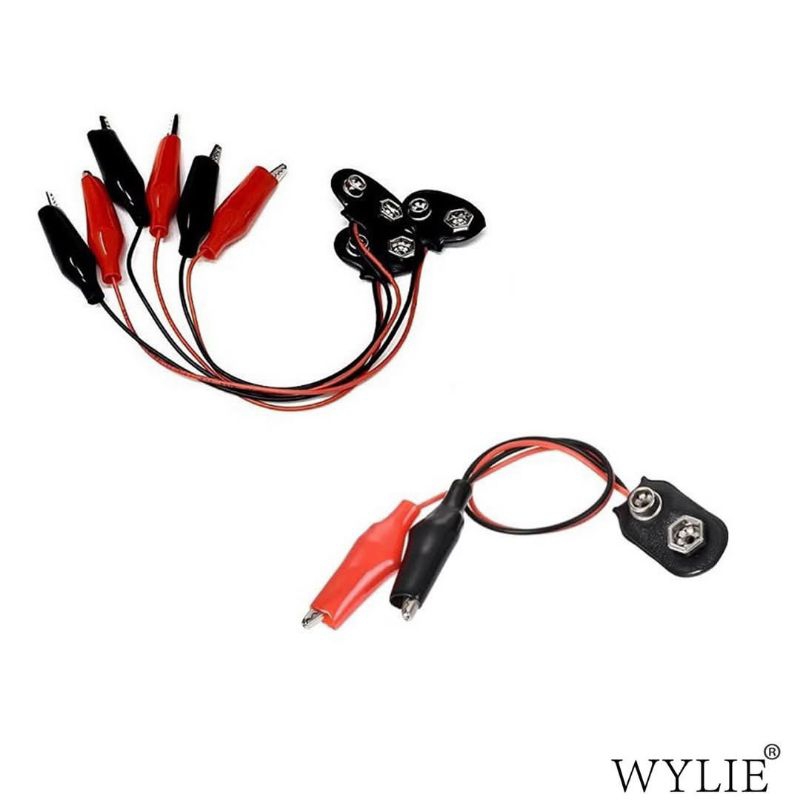
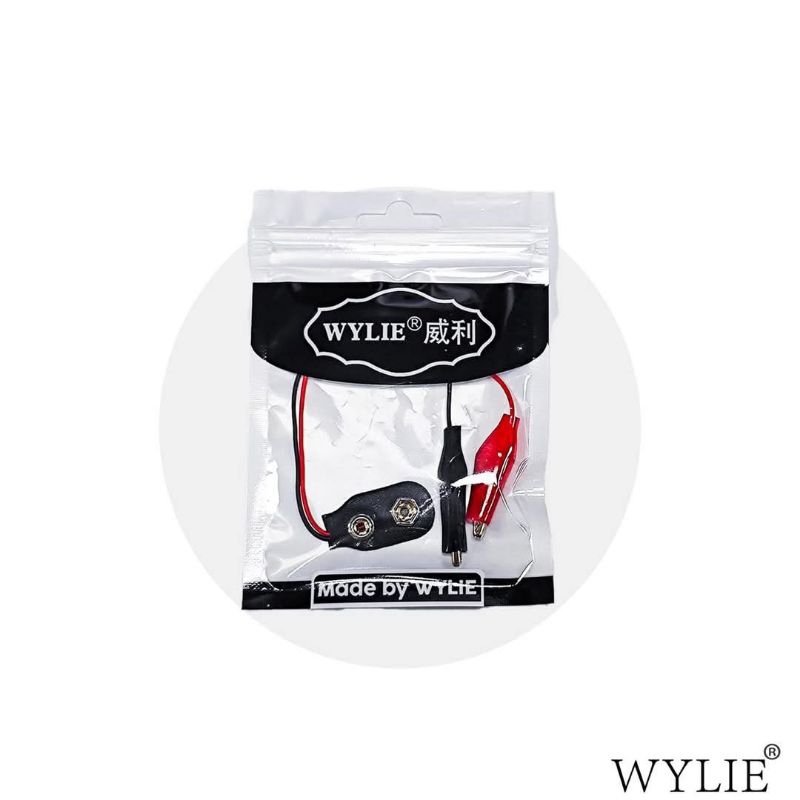
WYLIE Battery Crocodile Clip For IPH 16 / 16 Plus Battery Adhesive Strap Removal

Category: Brand:

Operating Procedure:

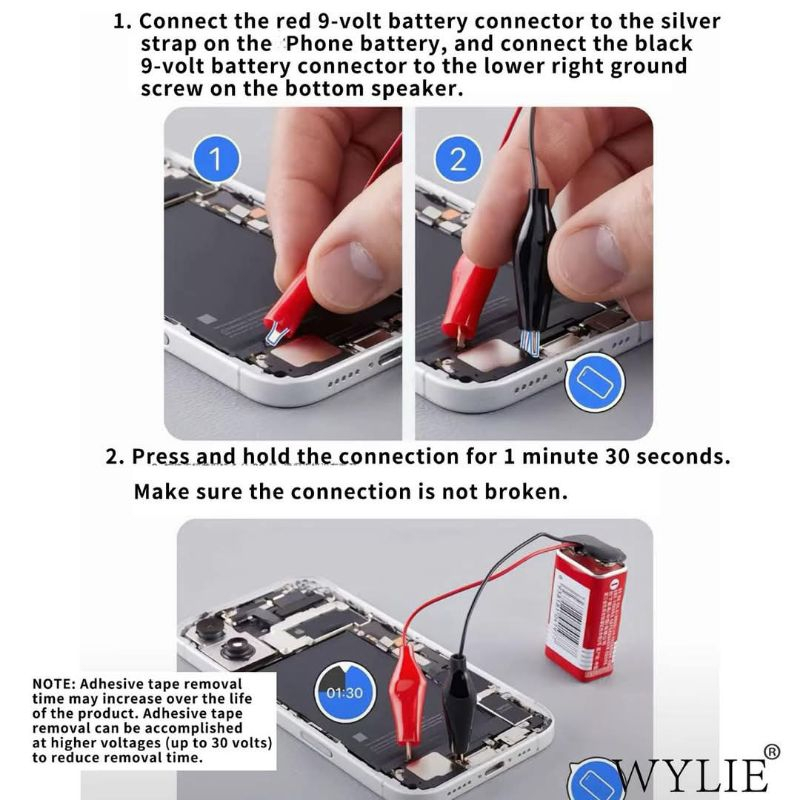
Connect the red connector of the 9-volt battery to the silver tab on the battery and connect the black connector of the 9-volt battery to the ground screw in the lower right corner

Bolt connection for 1 minute and 30 seconds (if the connection is not secure, the adhesive will not release)

Remove the battery from the housing using a suction cup or pry bar and the battery is ready to be removed (if you feel resistance when trying to remove the battery, repeat steps 1 through 3)

Note: Adhesive removal time may increase over the life of the product. Adhesive removal can be accomplished by applying up to 30 volts from an alternative power source such as DC. Higher voltage applications will result in faster removal times

Package includes:

1 x Battery Crocodile Clip

RM 38.00

Location Availability

MalaysiaOut of Stock
ThailandOut of Stock

Product Gallery

Related Products

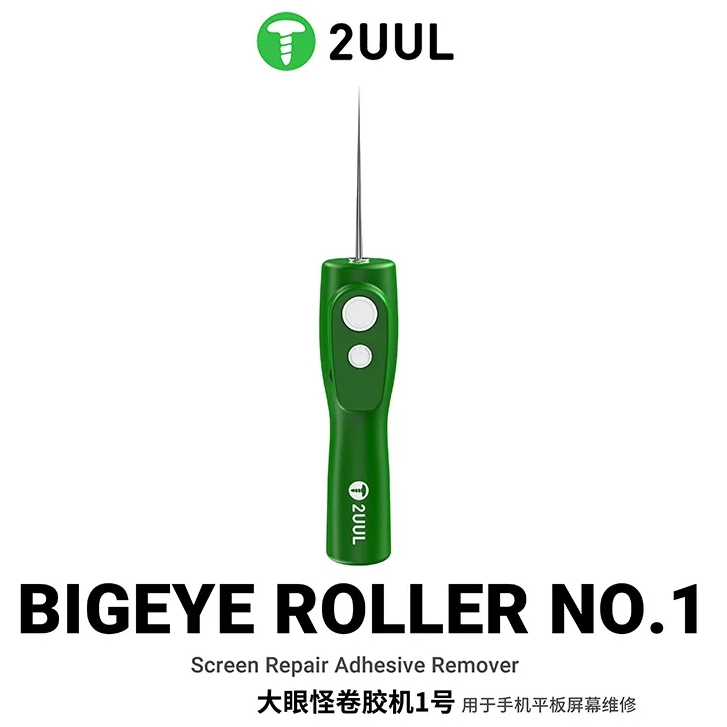
2UUL DA55 BIGEYE ROLLER NO.1 Screen Repair Adhesive Remover
RM 70.00
2UUL DA55 BIGEYE ROLLER NO.1 Screen Repair Adhesive Remover
MECHANIC CP10 10.5-inch Screen Heating Separation Pad with Dust-Revealing Light
RM 150.00
MECHANIC CP10 10.5-inch Screen Heating Separation Pad with Dust-Revealing Light
MECHANIC iShell 3D Max 6 In 1 Mortar Mini Screwdriver
RM 160.00
MECHANIC iShell 3D Max 6 In 1 Mortar Mini Screwdriver
FORWARD FW-CJ01 Strong Torque OCA Glue Remover
RM 110.00
FORWARD FW-CJ01 Strong Torque OCA Glue Remover
Scroll to Top